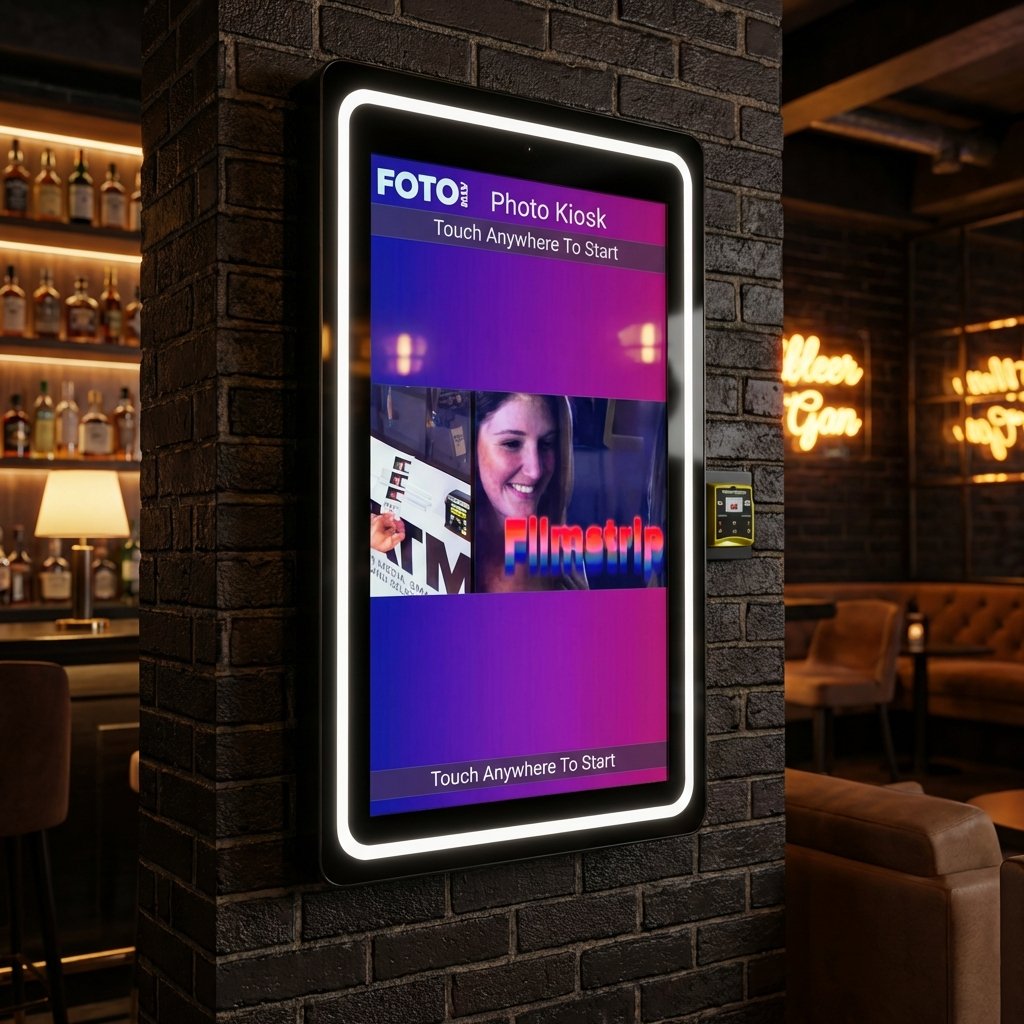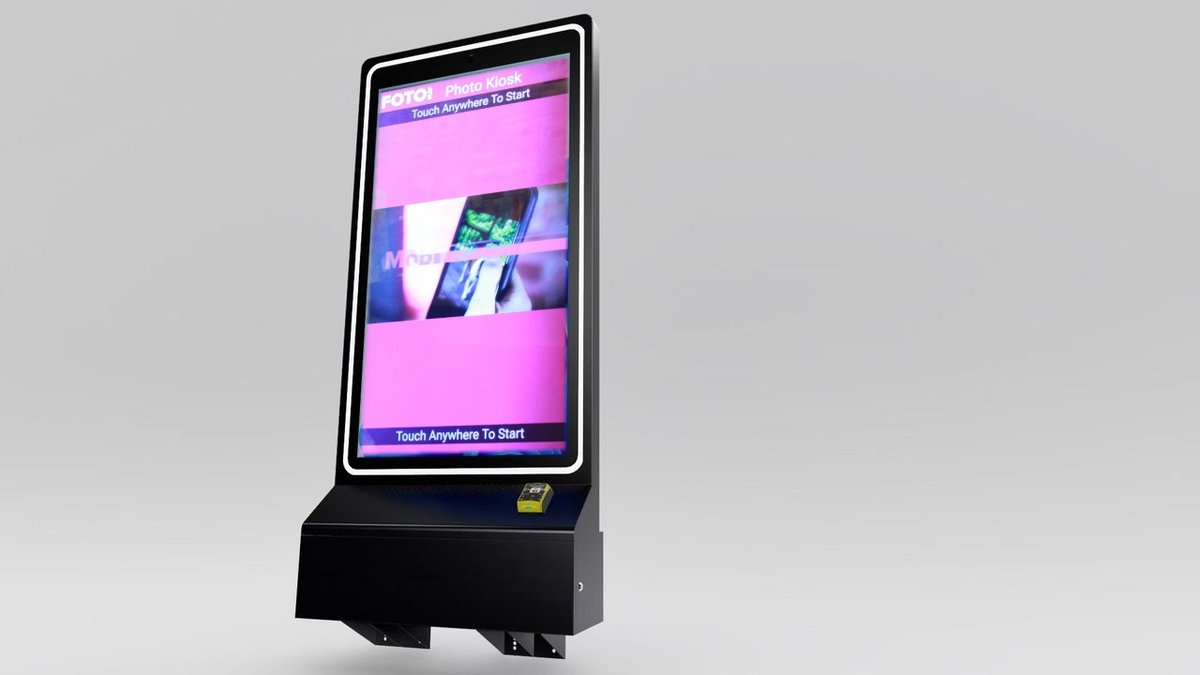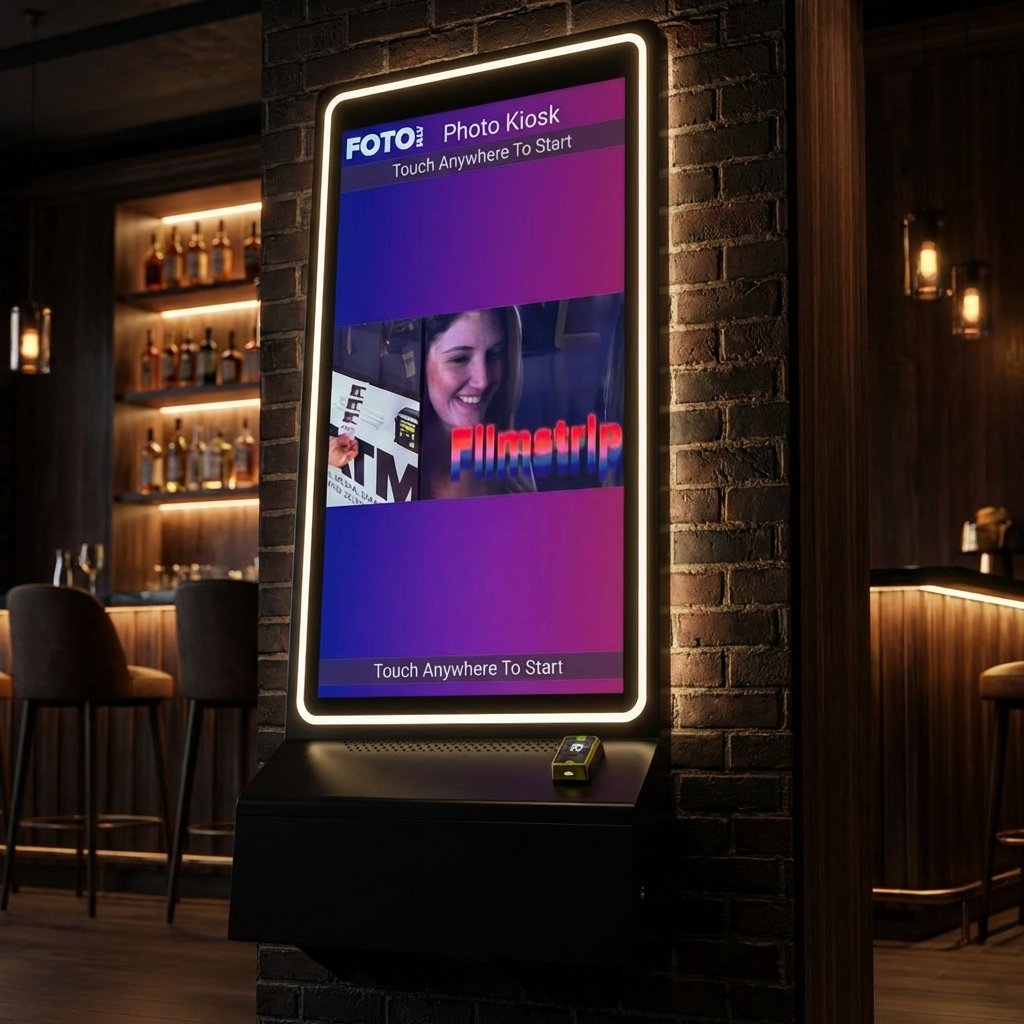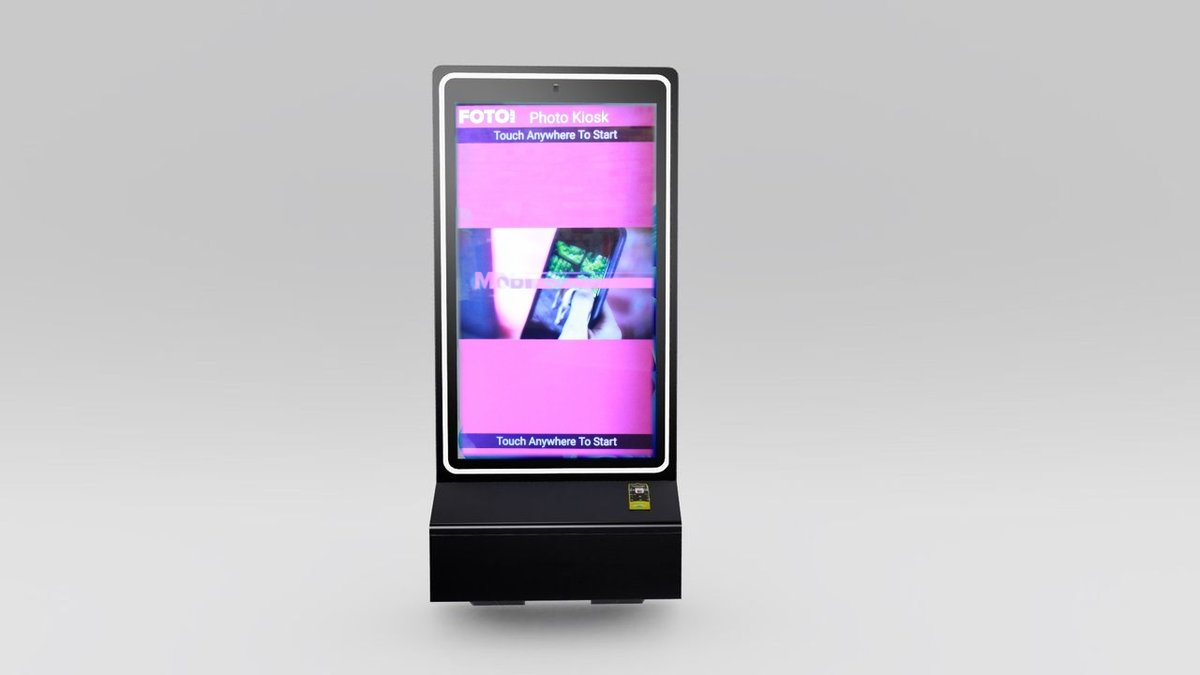
Photo booths are no longer just fun event additions – they’re revenue machines. Integrating payment systems allows you to charge for prints, digital downloads, and upgrades, turning one-time rentals into ongoing income. Here’s why it works:
-
Cashless Payments: Accept credit cards, Apple Pay, Google Pay, and QR codes for faster, easier transactions.
-
Revenue Growth: Events using integrated payments report 20%-40% higher spending per attendee.
-
Automation: 68% of new photo booths are fully automated kiosks, running without staff.
-
Remote Management: Adjust pricing, track sales, and tweak branding – all from your phone.
-
Scalability: Unattended kiosks let you expand to multiple venues with ease.
Payment integration not only simplifies operations but also increases profits by enabling upsells, collecting customer data, and offering premium experiences. Whether you’re a single-booth operator or managing a fleet, this is the key to scaling your photo booth business.
What Payment Integration Does for Photo Booths
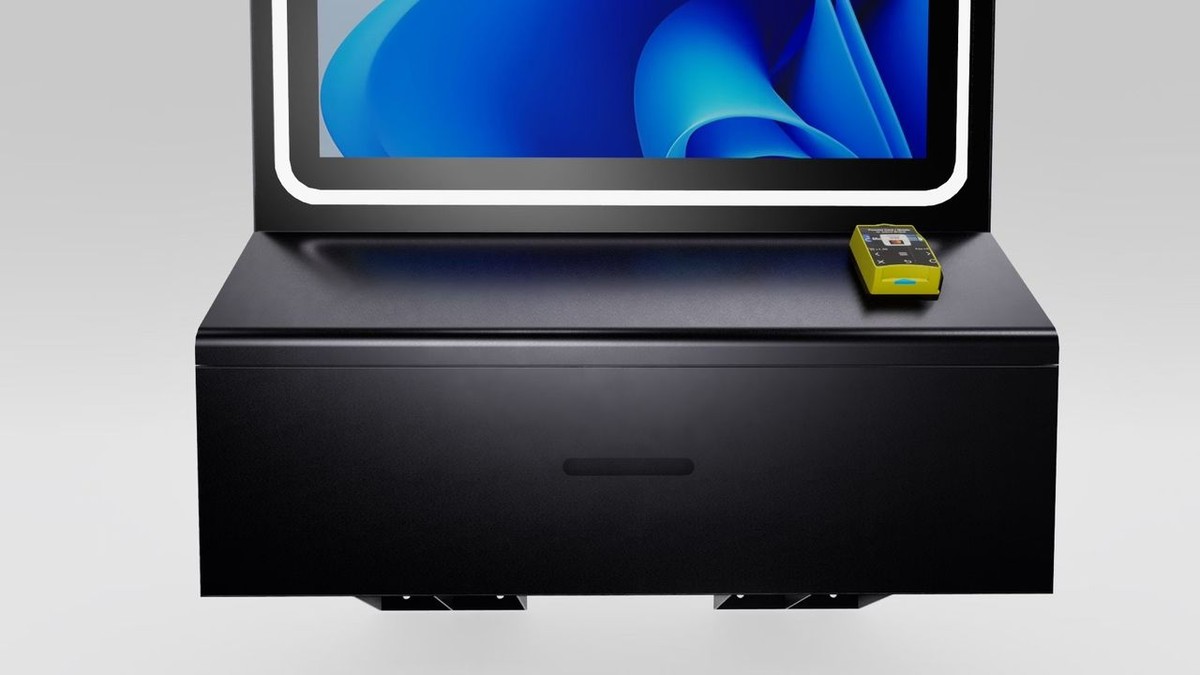
Payment Integration Explained
Payment integration links your photo booth software to a payment processor, such as Stripe, enabling guests to make digital payments directly at the booth. This eliminates the need for cash or physical card readers, offering a seamless payment experience.
There are two main approaches to payment integration: hardware-based systems and software-based systems. Hardware-based systems use devices like EMV card readers or bill acceptors attached to the booth. On the other hand, software-based systems display a QR code on the screen, which guests scan using their smartphones to complete the payment via their mobile wallet. The QR method is particularly appealing as it avoids hardware costs and reduces the risk of mechanical issues.
You can choose when to collect payments – either before or after capturing photos – while the payment gateway ensures security, handles PCI DSS compliance, and manages fund transfers. These streamlined systems make transactions faster, safer, and hassle-free for event organizers and attendees alike.
Why Events Need Cashless Payments
Cashless payment systems address many logistical challenges at events. For one, they eliminate the need for guests to carry cash, speeding up transactions and cutting down long lines. With the growing popularity of digital wallets, especially after the COVID-19 pandemic, contactless payments have become a preferred choice.
Digital payments also offer enhanced security through encryption and tokenization, making them safer than handling physical money. Advanced software can even issue automatic refunds if a booth goes offline shortly after payment, reducing customer service headaches. Events using integrated payment systems report a 20% to 40% increase in per-attendee spending, while operational processes can be simplified by up to 60%.
Main Benefits of Payment Integration
Integrated payment systems go beyond secure transactions – they streamline operations and drive revenue growth. By removing barriers to payment, these systems encourage more purchases. Plus, they often capture customer emails during checkout, providing valuable data for future marketing.
Remote management is another game-changer. With cloud-based software, you can monitor sales, adjust pricing, and troubleshoot multiple booths – all from your smartphone. As Jim Kershbaumer, Owner of Cash Cow Vending, highlights:
“Foto ATM is perfect for any venue looking to engage their audience… As a vendor, it’s important to have real-time updates on how my products are performing, and with Foto ATM’s FotoBooth app I’m able to view analytics and update my kiosks remotely from my phone”.
Here’s how integrated digital systems compare to traditional cash setups:
| Feature | Traditional Cash Systems | Integrated Digital Systems |
| Hardware Needed | Cash acceptors, card readers | None (smartphone-based) |
| Setup Complexity | High (wiring and triggers) | Low (software-based link) |
| Payment Options | Cash, physical cards | Apple/Google Pay, QR codes, digital wallets |
| Maintenance | High (mechanical jams) | Low (software updates) |
| Data Tracking | Manual or fragmented | Real-time dashboards |
The event industry is booming, with its global market size reaching $1.02 trillion in 2024 and projected to grow to $3.27 trillion by 2033. Digital payment systems play a key role in this growth, offering frictionless transactions that boost sales and increase attendee spending. While payment processors like Stripe charge a standard fee of 2.9% + $0.30 per transaction, some software providers may add a 5% fee to support their infrastructure.
How to Set Up Payment Integration
Now that we understand why payment integration is important, let’s break down the setup process step by step.
Selecting a Payment Processor
The first step is choosing a payment processor that’s PCI DSS-compliant to ensure customer data stays secure. A few popular options include:
-
Stripe: Supports major payment methods like credit cards, debit cards, and digital wallets (e.g., Apple Pay, Google Pay). It’s also available in over 40 countries, making it a great choice for businesses with international expansion plans.
-
Square: Ideal for smaller businesses, it offers no monthly fees and simple hardware options.
-
Authorize.net: Designed for high-volume operations, it includes advanced fraud detection but typically comes with setup costs and monthly fees.
-
Nayax VPOS Touch: Perfect for unattended kiosks, this system supports MDB connections and accepts both cards and cash.
Whichever processor you choose, make sure it integrates with your photo booth software. Integration ensures the session starts automatically once payment is confirmed, streamlining the process for your customers.
Required Hardware and Software
When setting up payment integration, you’ll need to decide between two main options: hardware-based systems or hardware-less QR code setups.
-
Hardware-Based Systems: These use physical payment terminals like the Nayax VPOS Touch or Yuzu contactless reader. Devices like these support tap-and-go payments and connect via standard interfaces such as MDB or Pulse. Many even include built-in 4G/LTE for stable connectivity. If you’re installing a device like the Yuzu terminal, remember to mount it securely using an EVA mount and avoid metal surfaces that might interfere with contactless signals.
-
Hardware-Less (QR Code) Systems: This option skips the need for physical devices. Instead, your photo booth software generates a QR code that guests scan with their smartphones to pay through a web-based gateway like Stripe. It’s simpler to set up and reduces the risk of mechanical issues, but it does rely on a stable internet connection via LAN or Wi-Fi.
On the software side, photo booth programs handle everything from the user interface to triggering the camera after payment. Foto ATM offers cloud-based software with integrated payment processing, real-time analytics, and remote management tools — all without charging extra per-transaction fees on top of standard processor rates.
Once you’ve chosen your hardware and software, it’s time to test everything thoroughly.
Testing Before Launch
A seamless payment experience is essential, so don’t skip testing. Start by running your payment system in Test Mode to simulate transactions without charging real money. Walk through the entire process: from the welcome screen to the payment gateway, and finally, to the photo capture. Double-check that the “Success URL” is set up correctly to ensure the booth starts the session automatically after payment is confirmed.
If you’re using physical card readers, test them in a sandbox environment with test cards. Verify that both chip and contactless payments work as expected. Use standard test values and the default test PIN “1234” when prompted.
It’s also a good idea to simulate network outages and high-traffic conditions before your event. Make sure your system has failover mechanisms in place. For example, some setups are programmed to issue refunds if the booth remains offline for more than 15 minutes after a payment is made.
Finally, secure your system by running the software under a non-administrator Windows account and setting a PIN of at least 8 digits to prevent tampering.
Pricing Strategies That Increase Revenue
Once your payment system is up and running, it’s time to focus on pricing strategies that maximize your revenue. The way you structure your offerings can make a huge difference, transforming a basic photo booth setup into a high-earning operation. By leveraging integrated payment systems, you can turn every transaction into an opportunity to boost your earnings.
Creating Tiered Pricing
A “Good / Better / Best” pricing model is a proven way to guide clients toward higher-value packages. For example:
-
Bronze Tier: Includes standard photo sessions at no additional cost beyond the rental fee.
-
Silver Tier: Adds custom branding and digital galleries for an extra $75–$300, appealing to corporate events.
-
Gold Tier: Offers AI transformations, premium backdrops, and extended hours for $150–$500 more, perfect for high-end galas or brand activations.
“People love options – always present Good / Better / Best pricing structure.”
If you’re running unattended kiosks in places like malls or hotels, a pay-per-session model can also work well. Guests might pay $1–$10 per session, and your photo booth software should allow you to set different prices for each tier. This approach creates pricing flexibility without overcomplicating the setup.
Selling Premium Add-Ons
Integrated payment systems make it easy to upsell premium features during checkout. For instance, AI transformations like headshots, cartoons, or face swaps cost you $5–$30 in credits but can be resold to clients for $150–$400 per event. Other profitable add-ons include:
-
Custom Branding: $75–$300
-
Lead Capture Packages: $100–$250
-
Premium Props or Backdrops: $100–$200
The “Request payment on Sharing Screen” feature in your software can be a game-changer. Guests can preview their photos first and then decide to pay for premium options like high-resolution downloads or branded prints. Seeing the quality upfront often convinces them to upgrade. Many operators report earning an extra $200–$700+ per event just from strategic upselling.
“The difference between a $500 photo booth operator and a $1,500+ one business is simple: the ability to sell premium experiences.”
Cloud-based payment systems like Foto ATM also provide real-time analytics, helping you identify which add-ons perform best at specific events or venues.
Running Promotions at Checkout
Dynamic promotions at checkout are another way to drive sales. Your payment system can support real-time discounts and promo codes. Examples include:
-
Offering “early bird” discounts for clients who book months in advance.
-
Creating seasonal bundles during peak times like wedding season (June–September) or holidays.
For unattended kiosks, you can display a QR code that links to a checkout page with a limited-time discount. Social sharing incentives also work well – offer guests a small discount if they post their branded photos on social media. Since photo booth content can account for 40%–60% of an event’s social media hashtag activity, this doubles as free advertising.
Bundling is another smart tactic. Instead of listing add-ons separately, present a package deal: “Normally $600, but I can do both for $450”. This increases perceived value and encourages clients to spend more. Real-time discounts, combined with flexible pricing tiers and add-ons, make it easy to manage and maximize revenue. Just ensure your payment processor supports coupon codes and automated discount application at checkout.
Using Payment Data to Grow Your Business
Every payment a customer makes – whether it’s a swipe, tap, or QR code scan – offers a treasure trove of data. This information can help you fine-tune your business strategy, understand customer preferences, and evaluate the success of events and revenue streams.
Analyzing Sales and Customer Patterns
Your payment system does more than just track dollar amounts. For instance, if you notice that digital downloads consistently outsell physical prints at corporate events, but the reverse is true for weddings, you can adjust your inventory and pricing to better cater to those preferences. Naming each event specifically – like “Downtown Hotel Ballroom” instead of a generic label – makes it easier to generate detailed reports and compare profitability across venues or event types.
Real-time dashboards can also show sales peaks as they happen. If you see a surge in activity, you might decide to adjust staffing levels or reposition your booth for better visibility. Meanwhile, the preferred payment method is another critical insight. Digital wallets, for example, are among the fastest-growing payment options globally. If your data shows a strong preference for cashless payments, optimizing your checkout process and adding region-specific options like Pix, UPI, or Alipay could help you capture even more revenue.
| Data Point | Business Utility |
| Timestamp | Identifies peak hours to adjust staffing and pricing |
| Product Type | Highlights preferences for physical prints or digital items |
| Payment Method | Reveals trends in digital wallets, cards, or QR code usage |
| Location/Event Name | Compares profitability across different venues |
| Customer Email | Enables follow-up marketing and repeat business opportunities |
These data points don’t just help you manage operations – they also feed directly into your marketing and customer engagement strategies.
Marketing with Customer Data
Collecting email addresses during checkout is more than a formality – it builds a valuable database for future marketing efforts. With this information, you can send follow-up emails, offer personalized deals, and encourage repeat bookings. Consider this: 70% of consumers turn into repeat buyers after participating in real-time experiential marketing campaigns.
“Photo booths are no longer just for fun. They are powerful tools in the collection of marketing data, including email addresses.” – Amber Guttilla
Transaction data can also help you prove your value to clients. By sharing metrics like prints sold, emails collected, or overall engagement during an event, you can clearly demonstrate ROI. Monitoring key performance indicators – such as product sales, social media interactions using event hashtags, and email sign-ups – gives you a deeper understanding of customer behavior and the impact of your marketing strategies. This approach not only drives repeat business but also works hand-in-hand with real-time analytics from your payment system.
How Cashless Systems Improve Operations
The benefits of cashless payments extend beyond marketing – they also simplify your operations. Payment processors often provide balance summary reports, making it easier to manage cash flow by tracking revenue and payouts. Automated systems can handle tasks like calculating taxes, sending email receipts, and even processing refunds if your booth encounters downtime.
QR-code payments, in particular, reduce the need for physical hardware like card readers or cash acceptors. This minimizes maintenance issues and lets you focus on creating a great guest experience instead of troubleshooting equipment. Foto ATM’s cloud-based software, for example, processes payments securely through encrypted transactions.
“The beauty of using QR codes for payments is the ability to phase out third-party equipment like card readers or cash acceptors. This not only reduces the cost of hardware but also simplifies your setup, reducing potential points of failure.” – Photo Booth Solutions
A centralized financial tracking system creates a digital record of every transaction, simplifying accounting and reconciliation. This is especially helpful if you’re managing multiple booths at different locations, as it clearly identifies which venues are driving the most revenue – without the headache of sifting through paperwork.
Scaling Your Photo Booth Business
Once you’ve nailed the basics like streamlined payments and real-time analytics, scaling your photo booth business means embracing full automation. The jump from managing a single booth to running ten or more hinges on systems that let you operate remotely. Cashless payment options and automated tracking are key to making this leap without being physically present at every event.
Managing Booths Remotely
With cloud-based dashboards, your smartphone becomes the ultimate control center. These tools let you monitor multiple kiosks, adjust pricing, and troubleshoot issues – all without stepping foot on-site. As Jim Kershbaumer, Owner of Cash Cow Vending, puts it:
“As a vendor, it’s important to have real time updates on how my products are performing, and with Foto ATM’s FotoBooth app I’m able to view analytics and update my kiosks remotely from my phone”.
These dashboards can even notify you when printer supplies run low, helping you stay ahead of maintenance needs. Whether you’re managing one kiosk or dozens spread across various venues, you’ll know exactly which locations need attention and which are raking in the most revenue. Foto ATM offers these remote management tools through their Standard plan, starting at $49 per month, which includes real-time analytics and dynamic pricing features.
Expanding to Multiple Events and Venues
Scaling to handle multiple events requires precise, location-specific data. By assigning unique event names to each venue – like “Riverside Hotel Ballroom” or “Downtown Sports Bar” – you can track revenue, session counts, and even social media shares for each location. This kind of detailed reporting helps you identify top-performing venues and adjust strategies for those that might need improvement.
Payment systems like Stripe further simplify the process by consolidating revenue from all locations into detailed balance summaries and payout reports. This makes it easier to manage revenue sharing with venue partners. The ability to track and analyze performance across multiple events is what sets scalable operations apart from smaller, manually managed setups.
Running Unattended Photo Kiosks
The real game-changer for scaling is the ability to operate fully unattended kiosks. Foto ATM’s kiosks are designed with security in mind, featuring locking cabinets that protect components like bill acceptors, EMV readers, printers, and extra media. This setup allows you to place kiosks in locations such as bars, hotels, arcades, or restaurants and let them run on autopilot.
Unattended kiosks open up opportunities in venues that might not justify a staffed booth, like a moderately busy hotel lobby or a bar that only gets crowded on weekends. These kiosks handle everything – from payments via Apple Pay, Google Pay, or credit cards to printing photos and collecting customer data. With remote management capabilities, you can oversee kiosks in multiple cities without the need to travel, transforming your photo booth business into a scalable, vending-style operation.
Conclusion
Integrating payment systems into photo booths transforms them into around-the-clock revenue generators. By accepting a variety of payment options – credit cards, Apple Pay, Google Pay, and QR codes – you eliminate the hassle of cash-only transactions and ensure every guest can pay effortlessly. With processor fees set at 2.9% + $0.30 per transaction, this setup allows you to automatically monetize prints, downloads, and premium add-ons with ease.
The benefits go beyond just payments. Remote management tools let you track sales in real time and adjust pricing on the fly, whether you’re overseeing one booth or a fleet across multiple cities. Automated refunds for technical issues also help reduce support requests while protecting your reputation. As Michael Gartner, Founder & Lead Developer at Photo Booth Solutions, puts it:
“Incorporating QR code payments into your photo booth business can provide a significant boost to your operation, enhancing customer experience and streamlining your processes”.
For guests, cashless payments mean quicker transactions and more choices, from basic prints to premium upgrades. This smooth experience not only improves customer satisfaction but also drives higher conversion rates and opens opportunities for upselling – potentially adding $200 to $700 per event.
At its core, cashless payment integration lays the groundwork for scaling your business with photo kiosks. With secure, PCI-compliant systems handling transactions automatically, you can shift your focus to expanding into new venues and revenue streams. Whether it’s a single booth at a weekend event or unattended kiosks in bars and hotels nationwide, this system is key to turning photo booths into a reliable source of passive income.
FAQs
Do I need internet for QR payments?
Yes, you usually need an internet connection to handle QR payments and create payment links. Without it, transactions can’t be processed in real time, which can interrupt the payment flow.
What if the booth goes offline after payment?
If the booth loses its internet connection after a payment is made, an offline-capable payment system steps in to keep things running smoothly. These systems temporarily store transaction data locally and sync it with the cloud once the connection is back. This ensures that no sales are lost, allowing guests to complete their purchases without any hiccups. The result? A seamless buying experience for customers and uninterrupted revenue for your business.
How should I price prints, downloads, and upgrades?
Setting print prices involves covering production costs while ensuring the price reflects the value of the product. Adding a premium for customization can further enhance perceived worth. For digital downloads, consider pricing them lower to encourage sharing, while offering high-quality options as an upsell. When it comes to upgrades like premium templates or editing services, base the pricing on the extra value they bring to the client.
Offering flexible payment options or bundling services can also help increase sales. Foto ATM’s customizable pricing system makes it simple to adjust rates based on the type of event and specific client requirements, ensuring a tailored approach for every occasion.
Ready to add passive revenue to your venue? Take the 60-second kiosk quiz to find your perfect match, or compare all models side by side.