Photo kiosks face frequent software issues that can cause downtime, financial losses, and damage to your brand. These problems often stem from configuration errors, outdated software, or weak security measures. With over 80% of downtime fixable remotely, managing risks effectively is both practical and cost-saving. Here’s what you need to know:
-
Top Risks: Configuration errors (60%), outdated software, and third-party vulnerabilities.
-
Key Security Threats: Data breaches, unsecured user sessions, and physical vulnerabilities like open USB ports.
-
Solutions: Regular software updates, secure configurations, and cloud-based remote management tools.
-
Automation Benefits: Automated risk detection resolves most issues quickly, reducing downtime and support costs.
How to Identify Software Vulnerabilities in Photo Kiosks
Common Vulnerabilities in Kiosk Software
One major issue with kiosk software is unauthorized OS access. If users manage to bypass the kiosk application and access the underlying operating system, whether it’s Windows or Linux, they can wreak havoc. From installing malware to stealing files or even using the kiosk as a launchpad to attack your entire network, the risks are serious. Between 2022 and 2024, a staggering 60% of kiosk breaches were linked to outdated software.
Another common problem is unsecured user sessions. If your kiosk doesn’t automatically clear cookies, cache, and session data after each use, the next person could easily stumble upon – or worse, exploit – the previous user’s private information. Businesses that implemented automatic session resets saw customer complaints about data privacy drop by 72%.
Physical vulnerabilities are another weak spot. Open USB ports or CD/DVD drives can be an open invitation for attackers to inject malware directly into the system. And when kiosks share a network with your core business systems without proper segmentation, hackers can move laterally through your infrastructure. Companies that use network segmentation for their kiosks have reported a 45% decrease in lateral attacks.
Recognizing these vulnerabilities is the foundation of effective security measures.
How to Conduct a Software Risk Assessment
Start by creating a detailed inventory of all third-party software running on your kiosks. This includes payment processors, printer drivers, camera interfaces, and cloud management tools. Once you have a full list, classify the sensitivity of the data each component handles – whether it’s payment details or simple usage logs – so you can prioritize which areas need the most protection.
Next, regularly inspect system logs for red flags. Look for unexpected reboots, missing event logs, disabled anti-malware software, or unauthorized files. Pay close attention to local logs for any operational errors that don’t align with legitimate transaction records, as these could signal malware activity. For example, one bank using real-time monitoring tools managed to thwart a data exfiltration attempt in just 8 minutes after detecting unusual traffic patterns.
Don’t overlook physical security. Check cabinet locks and internal ports, as many malware attacks require physical access to the kiosk’s hardware. High-security locks and alarm systems can make a big difference. Additionally, automated tools can help you scan for publicly accessible network assets and weak server settings without interrupting operations. Instead of relying on occasional assessments, opt for continuous monitoring through remote management tools. These provide real-time alerts whenever new vulnerabilities emerge.
How to Reduce Software Risks Through Best Practices
Secure Software Configuration
To minimize vulnerabilities, start by securing the kiosk’s operating system and browser. Hide menus, disable system shortcuts, and restrict access to approved websites only. For example, McDonald’s employs a hardened OS paired with endpoint security to safeguard millions of self-service transactions every day.
Implement Role-Based Access Control (RBAC) to ensure only authorized personnel can adjust kiosk settings or access administrative features. Combine this with multi-factor authentication for management portals to prevent unauthorized remote changes. One city parking system saw ticket fraud drop by 98% after introducing multi-layer authentication and encrypted data storage.
Another key defense is application whitelisting. This strategy allows only pre-approved software to run, blocking malware and unauthorized programs. Natsumi Nakamura from PFU Systems highlights the importance of this approach:
As long as unauthorized access to the kiosk is blocked, the chance of a kiosk system being infected with virus or malware is very low.
Avoid storing sensitive customer data – such as credit card details or email addresses – on local disks. Instead, transmit this data securely to a central host using encrypted connections. Configure the system to reset automatically after each use, clearing cookies, cache, and temporary files. A U.S. airport that switched to a Linux-based kiosk OS with restricted user permissions reported zero successful security breaches over 18 months.
While secure configurations are critical, keeping your software up to date is equally important.
Regular Updates and Patching
Outdated software remains a major weak spot – 60% of kiosk breaches from 2022 to 2024 stemmed from unpatched systems. To counter this, enforce a strict update schedule for the OS, primary kiosk applications, and any third-party software or drivers.
Specialized hardware like dye-sublimation printers and EMV readers, often used in photo kiosks, can complicate updates. Unvetted patches may lead to driver conflicts or crashes. As Natsumi Nakamura advises:
All changes to the system should be tested in a testing environment before implemented at every single kiosk in production.
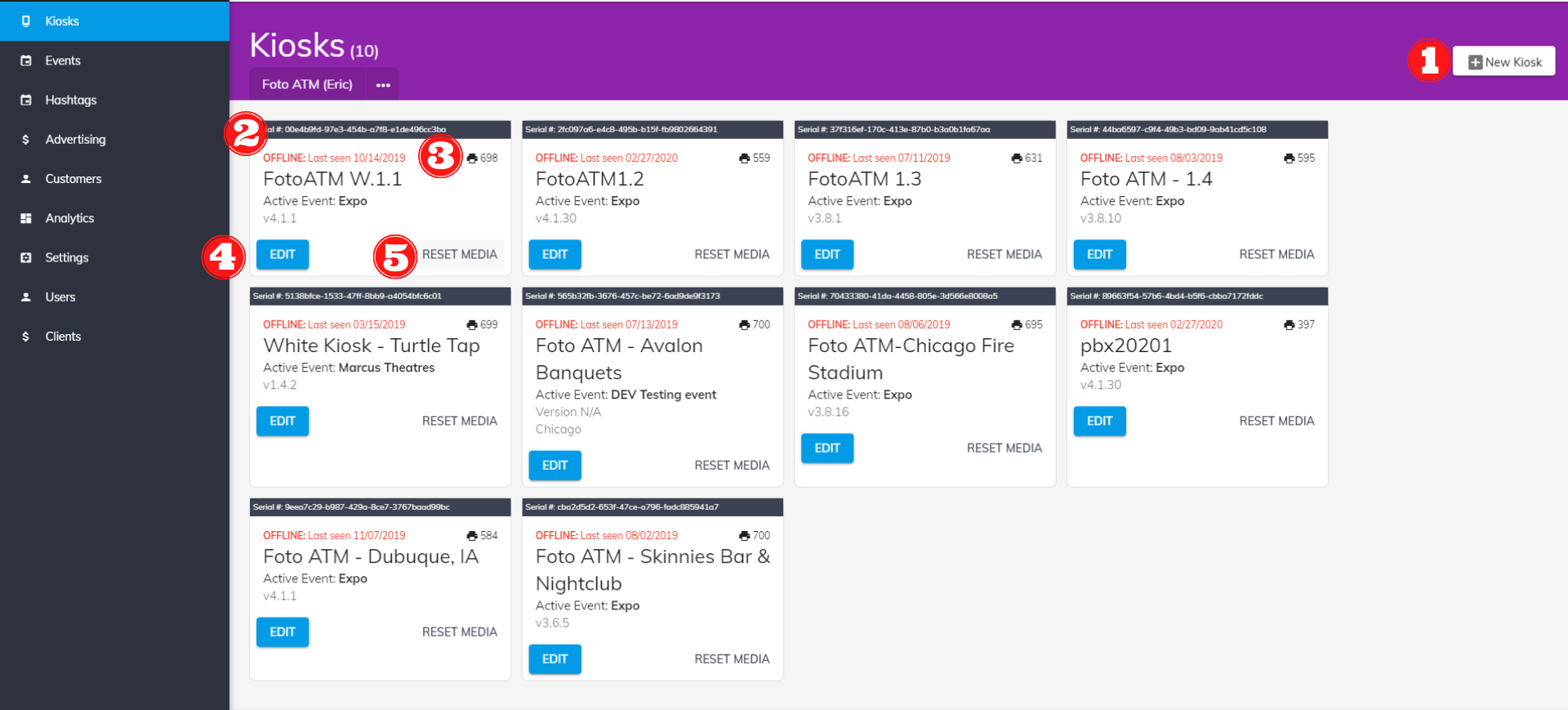
Cloud-based dashboards, such as Foto ATM’s software plans ($49–$299/month), simplify the process by allowing remote monitoring and real-time updates across multiple kiosks. Automate security patches whenever possible, but manually verify updates affecting critical components like payment terminals or printers. Lastly, equip your team to identify and address system anomalies.
Employee Training for Risk Management
Even with advanced technical safeguards, employees play a crucial role in maintaining kiosk security. Train your staff to spot potential threats, such as unauthorized USB devices, open ports, or unusual system behavior. Always verify the identity of maintenance personnel before granting access.
A 2017 incident in Washington D.C., where a kiosk was hijacked by bypassing the interface, underscores the importance of robust software lockdowns and swift staff responses.
Additionally, ensure employees follow update schedules and conduct regular audits of both hardware and software settings to identify vulnerabilities early. A well-trained team can act as the final barrier against potential risks.
Using Technology for Risk Management
Cloud-Based Remote Management Tools
Incorporating technology into risk management can make overseeing kiosks much more efficient. Cloud platforms, for instance, allow you to manage kiosks remotely, streamlining operations and reducing the need for on-site interventions. Using tools like Remote Monitoring and Management (RMM) software, you can keep tabs on system health in real time, spotting issues before they escalate.
With RMM software, updates can be deployed remotely, cutting down on technician visits. In fact, organizations using these tools have reported 47% fewer inbound support calls and a 17% drop in on-site visits needed to resolve kiosk issues. Automated alerts can also notify you of unusual KPI readings, enabling quick responses to potential software glitches or security threats. This constant oversight complements the secure configurations and update protocols already in place.
Take Foto ATM’s cloud-based software, for example. Their plans, priced between $49 and $299 per month, offer real-time analytics and instant remote configuration updates across your entire network of kiosks. Jim Kershbaumer, Owner of Cash Cow Vending, highlights the benefits:
As a vendor, it’s important to have real-time updates on how my products are performing, and with Foto ATM’s FotoBooth app I’m able to view analytics and update my kiosks remotely from my phone.
Additionally, cloud dashboards can lock down kiosks, blocking unauthorized users from accessing sensitive files or system functions. This centralized management ensures consistent security policies across all kiosks, whether you’re running a small operation or managing hundreds of units.
Automated Risk Detection and Response
Automation takes remote management a step further by minimizing downtime through instant issue detection and resolution. Advanced systems can even self-correct by restarting frozen applications or clearing corrupted cache files. These tools monitor every component – like touchscreens and payment terminals – in real time, sending immediate alerts when thresholds, such as low printer supplies or system errors, are exceeded.
A great example of automation in action comes from OpenTech Alliance, which used Canopy RMM software for onboarding and provisioning. By automating these processes, they eliminated thousands of support tickets and cut the time spent on these tasks by 50%. Automated provisioning also ensures consistency across your kiosks, keeping all software versions and security settings up to date.
To get the most out of these technologies, set up KPIs that turn raw device data into actionable insights aligned with your operational goals. Monitor not only the core operating system but also peripheral devices and maintenance logs to catch hardware-related software issues early. By automating key responses, these tools work hand-in-hand with existing security measures and employee training, creating a well-rounded approach to risk management.
sbb-itb-3201140
Secure Self-Service Kiosks: FaceLock™ Protects User Privacy
Conclusion
Effectively managing software risks is key to protecting your reputation and earning customer trust. A compromised kiosk can damage your brand, while secure and well-maintained systems help build lasting confidence among your customers.
A strong risk management approach includes several crucial steps: conducting ongoing risk assessments with frameworks like NIST Special Publication 800-30, securing systems through proper configurations and updates, and using cloud-based remote management tools to monitor and address issues in real time.
Mike Jarmus, Founder & Market Research Strategist at Maverick Market Research, LLC, captures this balance perfectly:
“Success comes from balancing innovation with reliability, inclusivity and measurable ROI.”
Modern tools make this balance easier to achieve. For example, in 2025, 72% of consumers expressed trust in in-store kiosks, and edge-AI systems have been shown to save up to $3.6 million per store annually. Additionally, automated risk detection can resolve over 80% of downtime issues remotely.
To ensure your kiosks operate smoothly and securely, consider implementing fallback modes, prioritizing local data processing for privacy, and using automated updates to address vulnerabilities. It’s worth noting that configuration issues cause 18% of kiosk downtime, but automated baseline comparisons can resolve 90% of these problems. These proactive measures not only keep your photo kiosks running efficiently but also protect your business’s reputation in the long run.
FAQs
What are the most common software risks in photo kiosks, and how can they be prevented?
Photo kiosks can sometimes struggle with software vulnerabilities that put their functionality and security at risk. Some of the most common issues include:
-
Outdated or unpatched software: Systems that aren’t kept up to date can become easy targets for known exploits.
-
Unauthorized access: Gaining access to the operating system or applications can lead to data leaks or other security breaches.
-
Insecure network connections: Weak or poorly configured networks make it easier for attackers to intercept sensitive data.
-
Lack of antivirus protection: Without strong antivirus tools or proper whitelisting, systems are more vulnerable to malicious software.
-
Poor session management: Failing to properly handle user sessions can expose customer data or allow unauthorized activities.
Addressing these risks requires consistent software updates, strict access controls, secure network protocols, and reliable antivirus solutions. By taking these steps, businesses can provide a safer and more trustworthy kiosk experience for their customers.
How do remote management tools enhance the security of photo kiosks?
Remote management tools play a key role in enhancing the security of photo kiosks by offering real-time monitoring and the ability to quickly deploy updates. With these tools, you can remotely install security patches, firmware updates, and implement policy changes, cutting down the need for potentially risky on-site visits.
They also support kiosk-mode lockdowns, fine-tune network and firewall settings, and send proactive alerts to address emerging vulnerabilities. This keeps your kiosks secure and running smoothly, even when no one is physically present to oversee them.
Why should you keep your photo kiosk software up to date?
Keeping your photo kiosk software updated is essential for ensuring security, reliability, and performance. Regular updates help close security gaps, protecting your kiosks from potential threats. They also address bugs and improve system stability, which minimizes the chances of unexpected downtime.
Beyond security and stability, updates often introduce new features or improvements that enhance the customer experience and keep your kiosks operating efficiently. Staying up to date not only safeguards your investment but also ensures users enjoy a smooth and secure experience.
Ready to add passive revenue to your venue? Take the 60-second kiosk quiz to find your perfect match, or compare all models side by side.