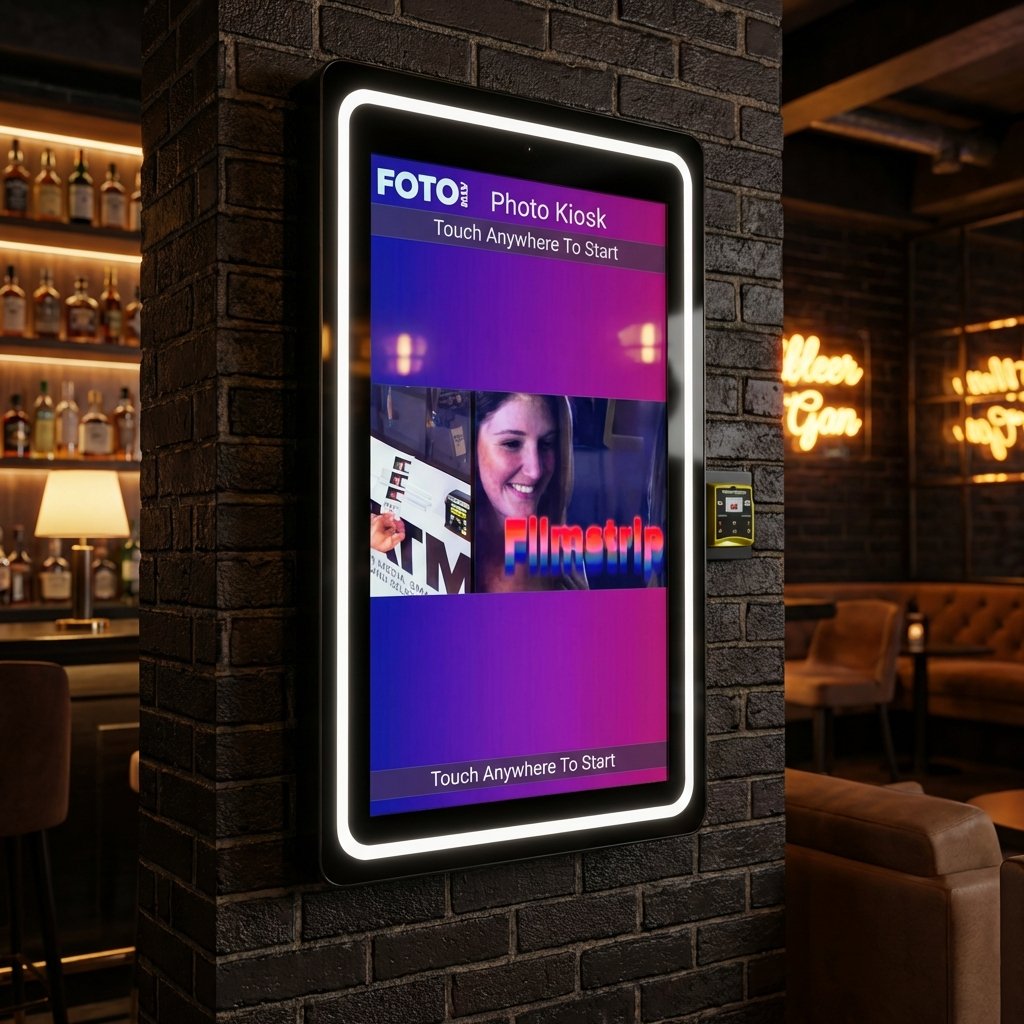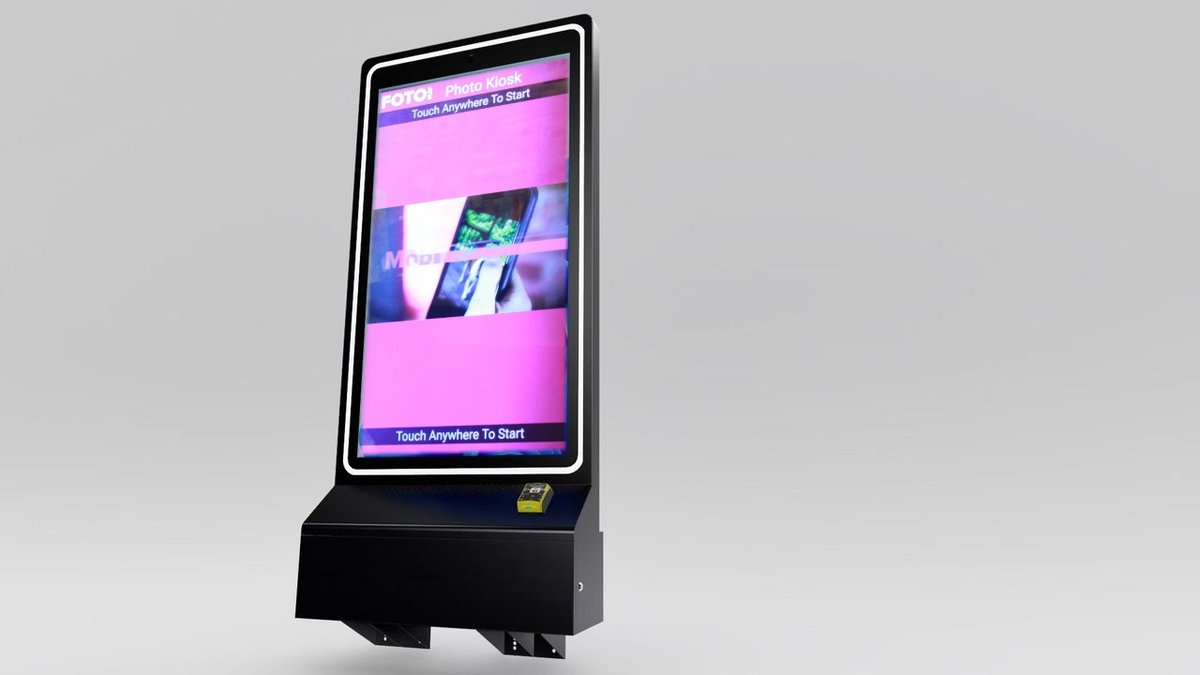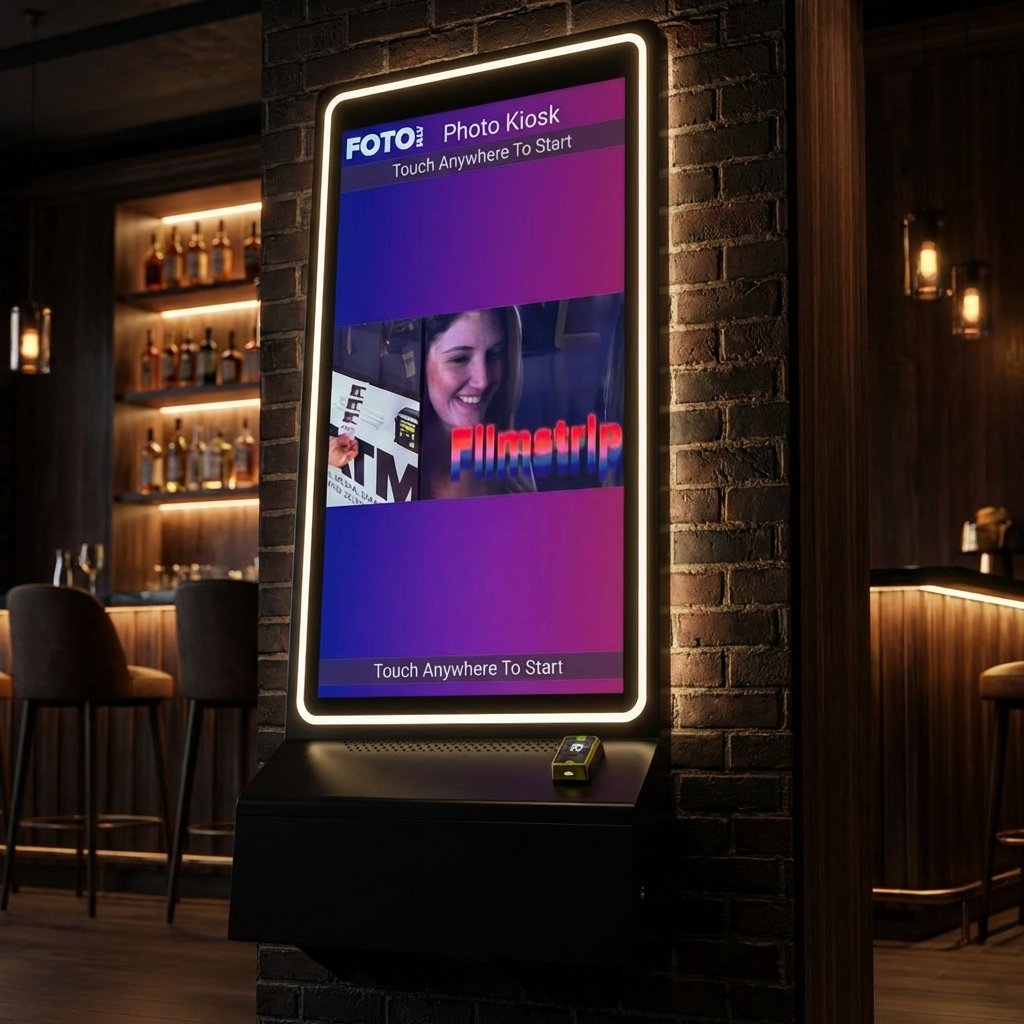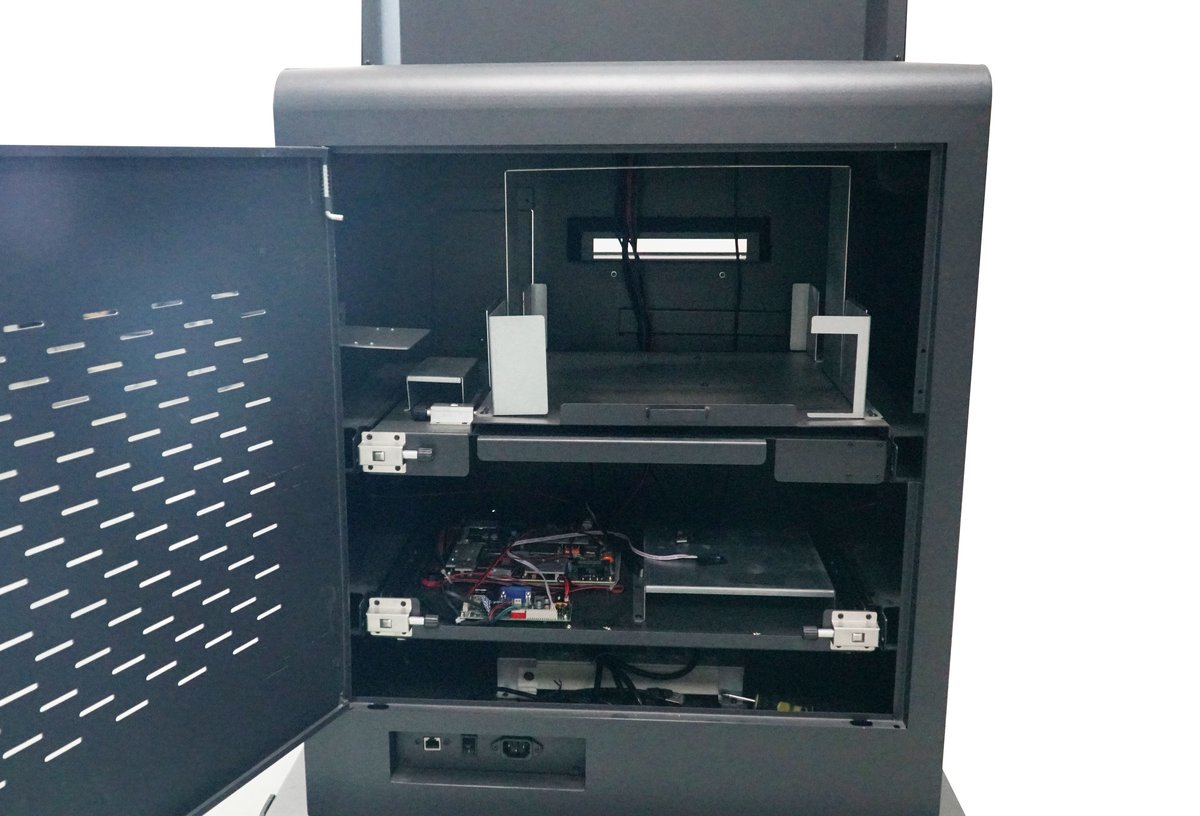
Photo kiosks with social media integration allow users to share branded photos instantly on platforms like Instagram, Facebook, and X (formerly Twitter). These kiosks turn every shared photo into a marketing tool, helping businesses expand their reach while collecting valuable user data. Here’s what you need to know:
-
How It Works: Kiosks connect to social platforms through APIs, enabling user or business account uploads. Features like branded overlays, hashtag tracking, and QR code sharing enhance visibility.
-
Setup: Businesses can configure authentication modes (user or client), integrate hashtags, and connect services like Twilio for email/SMS sharing.
-
Key Features: Branded frames, hashtag printing, data collection, and AI-powered green screens.
-
Business Benefits: Boost brand exposure, improve customer experience, and generate revenue through ads, premium prints, or sponsored campaigns.
-
Technical Needs: Reliable hardware (Intel i5/Ryzen 5, 8GB RAM, SSD), quality cameras, and a stable internet connection (preferably a dedicated 5GHz hotspot).
-
Cost: Starting at $6,999 for hardware and $49/month for software.
These kiosks provide an easy way to engage customers, increase online presence, and build marketing lists while operating remotely through cloud-based systems.
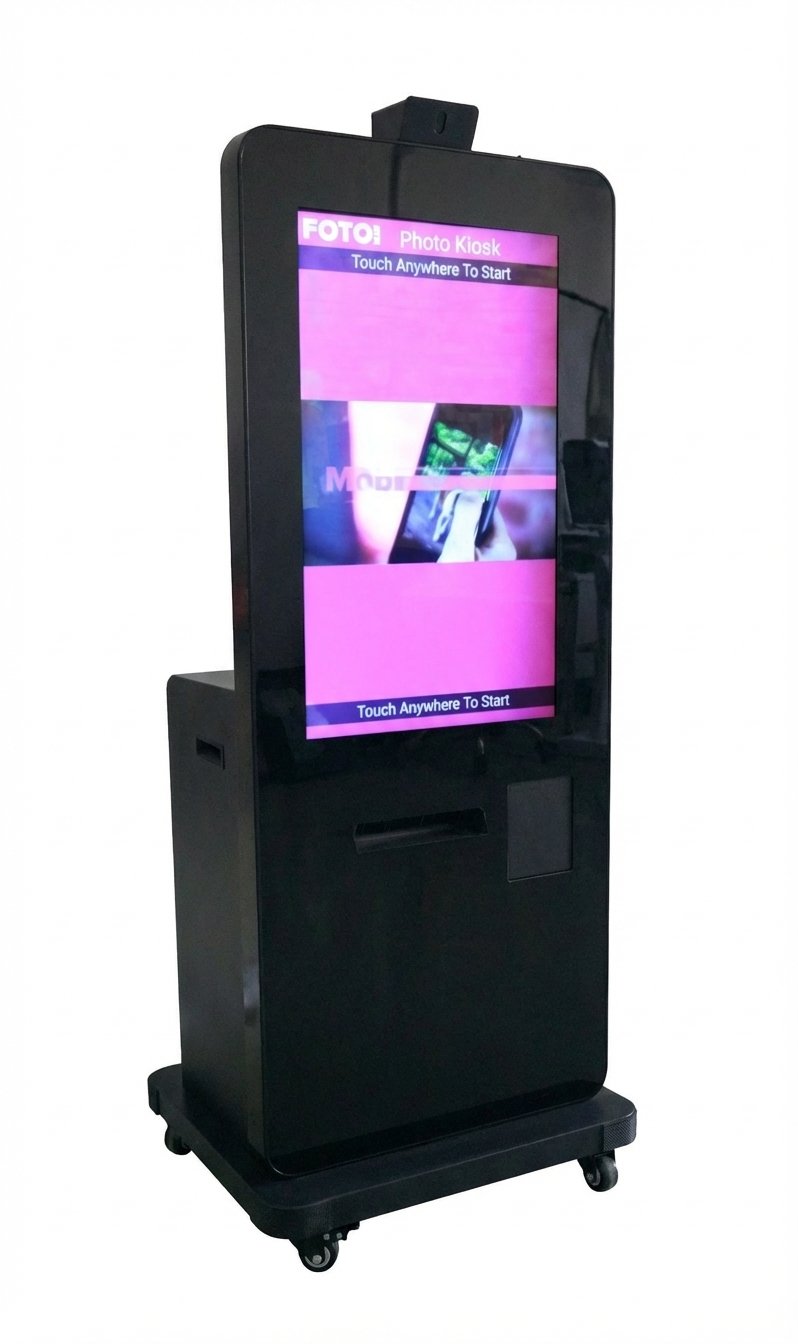
How Social Media Integration Works in Photo Kiosks
Photo kiosks connect seamlessly to social platforms like Facebook, Instagram, and Twitter using API authentication and watch folder technology. This setup allows the kiosks to automatically pull in new photos, making them ready for sharing.
Operators can choose between two main authentication modes. “User Login” mode lets guests log into their personal accounts at the kiosk to post directly to their profiles. On the other hand, “Client” or “Background” mode automatically uploads photos to a pre-set business page without requiring individual logins. For businesses aiming to highlight their brand, a custom Facebook App ID can be set up, ensuring the company name appears instead of the default “Uploaded by [Software Name]” tag.
Photo kiosks can also be configured for hashtag monitoring, transforming them into real-time marketing tools. By tracking specific hashtags on Instagram or Twitter, public posts featuring those hashtags can be displayed as part of a “Social Wall” or gallery, which guests can browse and print. Additionally, users can share their photos through QR codes, email, or SMS, often using services like Twilio.
Modern kiosks come equipped with offline queuing, which temporarily stores social media shares during internet outages and uploads them once the connection is restored. Operators can manage hashtags, branding, and social media settings remotely via cloud-based dashboards. Guests can even upload photos from their smartphones by visiting a branded URL or texting images to a dedicated number. These features provide the flexibility and dynamic social tools that businesses need to enhance engagement.
Setting Up Social Media Integration
To get started, choose an authentication mode: “User” for personal profiles or “Client” for business pages. Next, activate the desired platforms – such as Facebook, Instagram, or Twitter – within the kiosk’s software settings.
For hashtag-based sharing, input your custom hashtag (without the ”#” symbol) into the dashboard and select the source network. If you’re integrating services like Twilio or Sendgrid, use your API keys to connect them, and test the setup before launching.
Guests using Facebook with Two-Factor Authentication may need to temporarily disable “Login Approvals” to sign in at the kiosk. Ensure the software is correctly linked to the watch folder and that the folder is optimized for fast file writing. To keep the kiosk running smoothly, set an inactivity timeout of around 60 seconds, which will return the system to the home screen if a user abandons the session midway.
Key Features of Social Media Integration
Photo kiosks offer a variety of tools to boost brand visibility and user engagement:
-
Branded overlays and custom frames: Automatically add your logo and design elements to every photo before sharing, ensuring your brand is front and center on social media.
-
Hashtag printing: Pulls photos from Instagram or Twitter based on specific hashtags, making them available for instant printing at the kiosk.
-
Data capture: Collects user contact information, like email addresses or phone numbers, before allowing photo sharing or printing, turning the kiosk into a lead-generating tool.
| Feature | Description | Business Benefit |
| Branded Overlays | Automatic logo and frame application | Ensures consistent brand visibility |
| Hashtag Printing | Pulls and prints social media posts | Creates viral loops and drives engagement |
| Data Capture | Requires contact info before sharing | Builds marketing lists automatically |
| AI Green Screen | Removes backgrounds without physical screens | Produces professional photos with custom looks |
| White Label | Replaces software branding with your logo | Elevates the professional appearance of outputs |
Once the system is set up, the kiosk leverages these features to drive brand engagement. Real-time analytics track every share, hashtag use, and email capture. With Foto ATM’s cloud-based system, operators can monitor performance data from their phones, even across multiple locations. Jim Kershbaumer, Owner of Cash Cow Vending, highlights the convenience:
“As a vendor, it’s important to have real time updates on how my products are performing, and with Foto ATM’s FotoBooth app I’m able to view analytics and update my kiosks remotely from my phone.”
sbb-itb-3201140
Business Benefits of Social Media-Enabled Photo Kiosks
Increasing Brand Reach Through Social Sharing
When guests take photos at a kiosk and post them online, your brand’s reach extends far beyond your immediate location. Each shared photo introduces your business to the personal networks of your customers, effectively turning them into brand ambassadors. Features like custom hashtags and geotags make it easy for others to discover your brand on platforms like Instagram and X (formerly Twitter).
Branded overlays – such as logos, taglines, and QR codes – ensure that every shared photo reinforces your brand identity. This creates a cycle of organic marketing powered by user-generated content, which people inherently trust. Kitty Tan, a Custom Kiosk Expert Consultant at BestKiosk, explains:
“Social media integration with kiosks… will boost brand visibility online and give you a competitive edge so you can become the industry leader”.
Displaying live “Social Walls” at events, where user photos appear in real time, adds an interactive element that encourages more participation. These kiosks also support engaging content formats like GIFs and short videos, perfect for platforms like TikTok and Instagram Stories. Together, these features amplify your brand’s online presence while enhancing the event experience for attendees.
Improving Customer Experience
Social media-enabled kiosks offer a hassle-free self-service experience that doesn’t require staff assistance. Guests can simply tap, pose, and instantly share high-quality photos, which serve as digital keepsakes and “social currency.” These branded photos leave a lasting impression, creating a connection that goes beyond a single interaction.
Personalization options, including AI-powered background removal, custom filters, and event-specific overlays, make each photo unique and memorable. This blend of fun, instant gratification, and shareable content transforms a simple photo session into a meaningful experience. Not only does this delight customers, but it also fosters loyalty and satisfaction while opening up opportunities for additional revenue.
Generating Revenue Through Sponsored Campaigns
Photo kiosks unlock multiple revenue opportunities beyond just selling prints. By incorporating EMV readers and bill acceptors, businesses can charge for premium prints or digital downloads. Meanwhile, advertising carousels on idle kiosks can display video or visual ads, generating income from sponsors or promoting in-house products.
Sponsored hashtag campaigns offer another way to monetize. Businesses can collaborate with other brands to include custom overlays, campaign messages, and specific hashtags that increase visibility for both parties. Additionally, kiosks can function as lead generation tools, collecting email addresses and contact details during the photo-sharing process. This helps build valuable marketing lists for future campaigns. Integrating payment options and advertising not only diversifies revenue streams but also strengthens your brand’s online presence across social platforms.
Technical and Operational Requirements
Hardware and Software Requirements
To run a social media-enabled kiosk effectively, you’ll need reliable hardware and software. Start with a system powered by an Intel Core i5 or Ryzen 5 processor, 8GB of RAM (upgrade to 16GB if AI features are involved), and an SSD for smooth, real-time performance. The touchscreen display should be a commercial-grade monitor, ideally between 21–43 inches, featuring 10-point multi-touch PCAP technology for responsive and seamless interaction.
When it comes to cameras, you have options. Professional DSLRs like Canon or Nikon models (priced around $500–$1,500) deliver top-tier photo quality, while 4K webcams such as the Logitech BRIO (around $200–$300) offer a more budget-friendly alternative. Lighting is equally important – ring lights or softbox setups ensure consistent, sharp images regardless of the venue’s ambient lighting. As one industry expert puts it:
“The best camera, computer and printer in the world won’t work if the $3 cable is broken. Take spares of every cable type. It is money well spent”.
For software, a cloud-based solution is a must. Foto ATM’s FotoBooth software is a great example, enabling operators to manage multiple kiosks remotely, tweak settings, update pricing, and refresh branding from a central dashboard – or even a smartphone – in real time. Look for software that integrates with platforms like Facebook, Instagram, Twitter, and Pinterest, offers offline queuing for uploads, and includes tools to collect guest emails and phone numbers. Jim Kershbaumer, Owner of Cash Cow Vending, highlights the importance of such features:
“As a vendor, it’s important to have real time updates on how my products are performing, and with Foto ATM’s FotoBooth app I’m able to view analytics and update my kiosks remotely from my phone”.
Maintaining Reliable Internet Connectivity
One of the biggest challenges at events is unreliable venue Wi-Fi, which often suffers from firewalls and high traffic. To avoid interruptions, bring your own dedicated mobile hotspot configured to 5GHz. For an event with approximately 200 social media shares (about 200MB of data), plan for at least 2GB of data per event. For larger operations, budget 10–30GB. Seye Omisore underscores this point:
“Venue wi‑fi 90% of the time have firewalls and there is (almost) nothing you can do about it… Your best bet is to always bring your own hotspot”.
When choosing a mobile carrier, consider regional coverage. For instance, AT&T often performs better on the East Coast, while Verizon tends to excel in Western markets like Las Vegas. A 5GHz hotspot not only improves speed but also reduces interference from nearby devices.
Good software can also help mitigate connectivity issues. It should store uploads locally and sync them automatically once the connection is restored, ensuring no data is lost during brief outages. However, keep in mind that user-specific social media uploads requiring real-time logins (like personal Facebook posts) won’t work offline; only client-side uploads to brand pages can be queued.
Privacy and Data Security Compliance
Protecting user data is just as critical as having the right hardware and connectivity. Many modern kiosks now use QR codes for smartphone transfers, reducing the need for guests to input sensitive information on public screens. Additionally, white-labeling features allow you to remove third-party branding from shared content, giving you full control over how user data is tied to your brand. These measures not only enhance security but also build trust with users.
Measuring Success with Performance Metrics
Key Performance Indicators (KPIs)
Understanding how your audience engages is crucial, and tracking sharing methods – whether through Instagram, Twitter, Facebook, email, or SMS – can reveal their preferences. Collecting unique email addresses and SMS numbers during each session helps grow your marketing list. A practical tip? Include an email field as part of a mandatory survey question. This ensures you capture email addresses regardless of the sharing method users select.
You can also track social media logins, such as Facebook IDs and names, as well as demographic details like gender, age range, and location. Just remember, the availability of this data depends on each user’s privacy settings.
These KPIs provide a foundation for using real-time analytics to enhance your kiosk’s performance.
Using Real-Time Analytics to Improve Performance
Real-time analytics allow you to act on data immediately. Foto ATM’s cloud-managed FotoBooth software offers instant insights into event interactions and revenue across all locations. And the best part? You can access it right from your smartphone or desktop. With this data, you can make quick adjustments – whether it’s tweaking pricing, updating hashtags, or refreshing ads – based on how users are engaging in real time.
Conclusion
Integrating social media with photo kiosks turns them into powerful marketing tools, where every shared photo acts as a mini digital advertisement, expanding your brand’s visibility. Plus, collecting emails and phone numbers during each session helps grow a valuable marketing database.
These kiosks also bring in extra revenue beyond just photo prints. They can display sponsored ads on their touchscreens during idle times, creating an additional income stream. With Foto ATM’s cloud-based software, you can adjust pricing, update hashtags, and track ROI – all from your smartphone. Real-time analytics make it easy to monitor performance and make changes remotely, even across multiple locations.
The benefits go beyond financial gains. Customers enjoy a better experience, brands get more exposure, and businesses unlock diverse revenue opportunities. Whether you’re running a bar, retail store, or event venue, these kiosks can operate unattended while collecting guest data and generating passive income. Starting at $6,999 for hardware and $49/month for software plans, they offer an affordable way to boost engagement and profits simultaneously.
FAQs
Do guests have to log in to share photos?
Guests don’t need to log in to share photos. With social media integration turned on, the system can either upload photos automatically to designated accounts or allow users to share them directly – no login credentials required.
What happens if the internet goes out during an event?
If the internet connection drops during an event, the photo kiosk will automatically switch to offline mode. During this time, it will queue all emails, SMS messages, and social media uploads. Once the connection is back, these queued actions will be sent out automatically. This setup keeps the kiosk running smoothly and ensures users can continue enjoying the experience without interruptions.
How do I keep guest data private and secure?
When integrating social media features into photo kiosks, safeguarding guest data should be a top priority. Here’s how to ensure privacy and security:
-
Establish Clear Privacy Policies: Make sure guests understand how their data will be used. Display these policies prominently on the kiosk interface.
-
Secure Login Methods: Use software that supports secure logins, such as multi-factor authentication, to protect user accounts.
-
Restrict Access: Limit access to sensitive data to authorized personnel only, reducing the risk of breaches.
-
Regular Software Updates: Keep your kiosk software up-to-date to address vulnerabilities and enhance security features.
-
Encryption Best Practices: Encrypt data transmissions to prevent unauthorized access during uploads or transfers.
-
Cloud-Based Management Tools: Utilize cloud platforms for remote monitoring and management, ensuring consistent security measures across all kiosks.
By following these steps, you can create a safer experience for guests while protecting their personal information.
Ready to add passive revenue to your venue? Take the 60-second kiosk quiz to find your perfect match, or compare all models side by side.